An app store for your car’s head unit.
NBTApps lets you browse a catalogue of apps for your car’s head unit and install them wirelessly from your Android phone.
Download the appRequires Android 13 or later
How it works
- 1
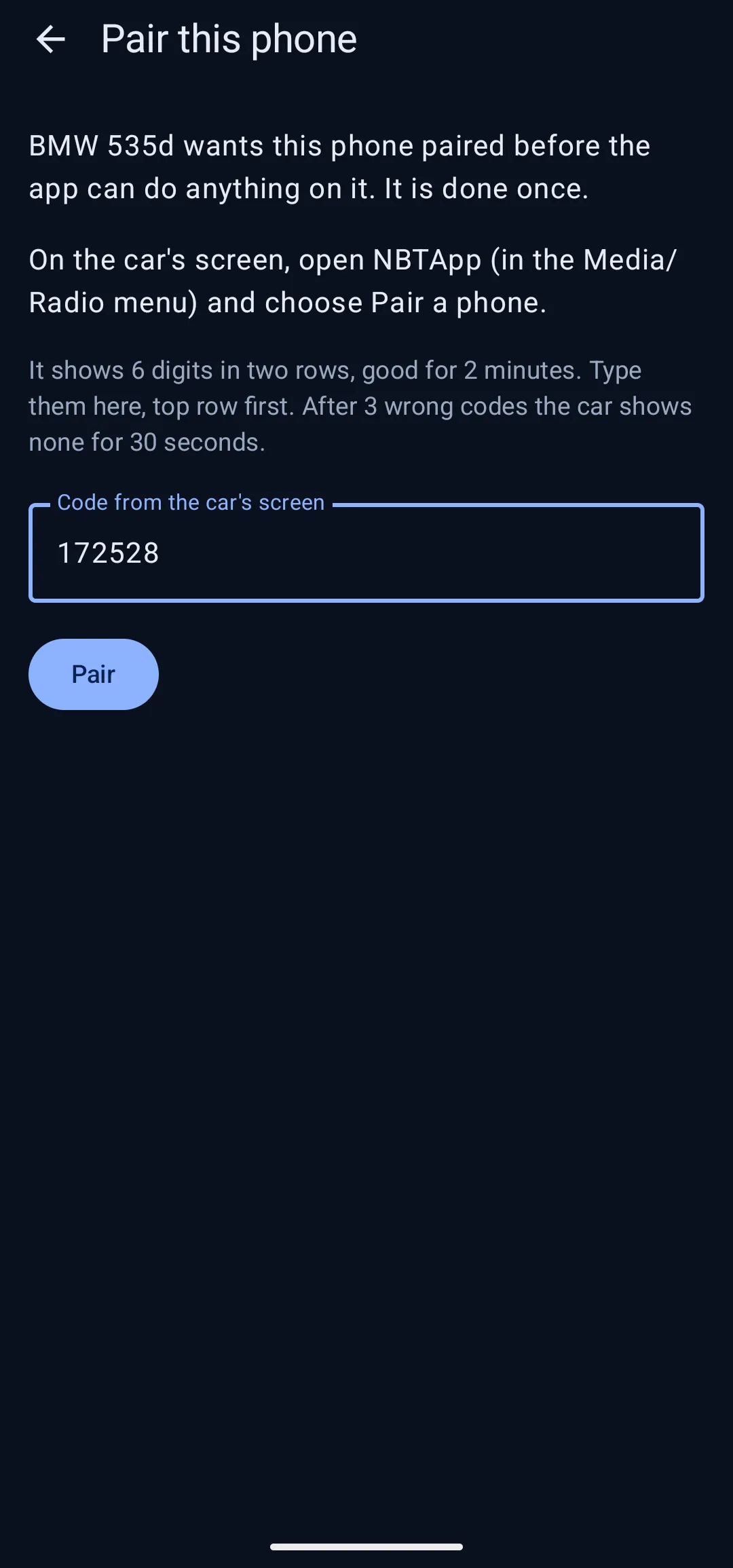
Pair with your car
Connect your phone to the car and enter the code shown on the head unit’s screen. After that, your phone proves who it is every time it connects.
- 2
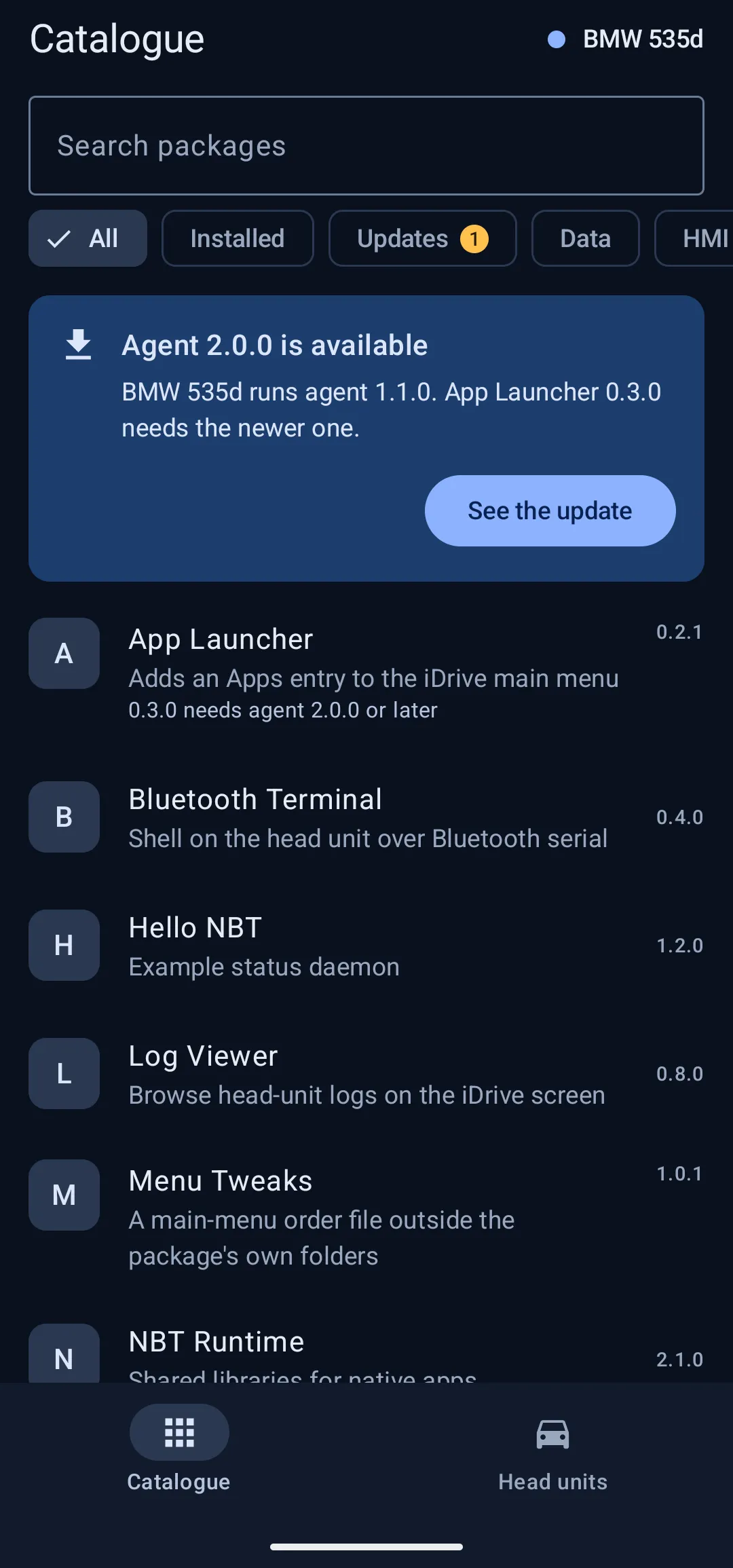
Browse the catalogue
Look through the apps available for your head unit, with versions and details for each one.
- 3
Install wirelessly
Your phone downloads the package and sends it to the car. The transfer keeps going with the phone’s screen off, and a notification shows its progress.
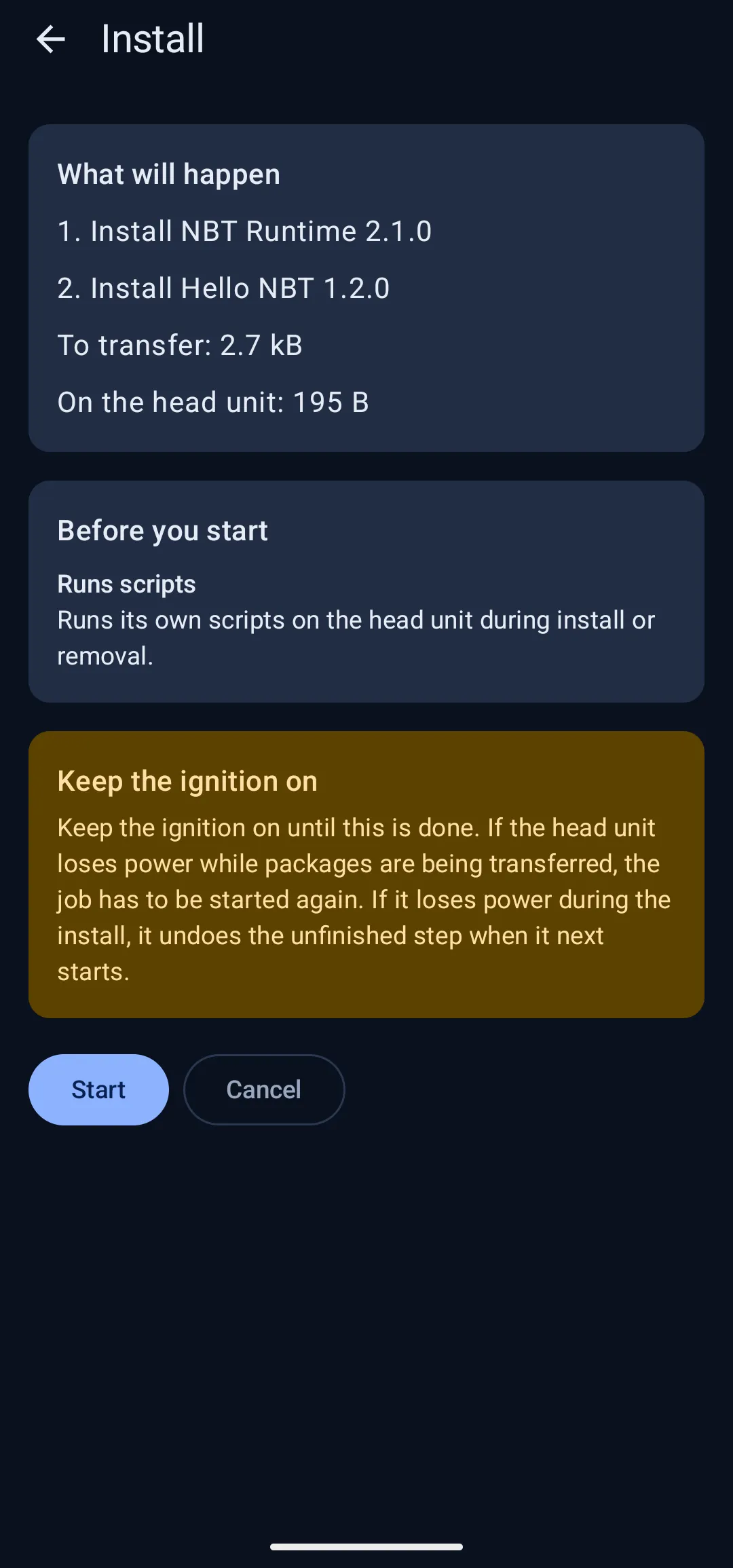
See an install
Pick an app, check what it needs and what it will do, then start it. The app shows each step as it happens and tells you when it’s done.
Built for the car
- Signed and verified
- The catalogue and every package are signed. Your phone checks the signatures before it sends anything to your car.
- No account needed
- No sign-up and no login. Your paired head units and keys stay on your phone.
- No cables or adapters
- Once the Agent is set up, you don’t need an ENET cable or OBD adapter to install apps. Everything happens wirelessly from your phone.
- Copes with lost connections
- If the link drops or the car restarts, the app reconnects and picks up where it left off.
What you need
- An Android phone running Android 13 or later.
- A head unit with the NBTApps Agent installed.
Questions? See Support.